
Instructions
Windows (Azure Virtual Desktop)
The recommended way to access your virtual desktop is via Windows App Client. The Client is available for download for various operating systems.
| Client Type | Download/Access URL |
|---|---|
| Windows | https://apps.microsoft.com/detail/9N1F85V9T8BN |
| Mac OS | https://apps.apple.com/app/microsoft-remote-desktop/id1295203466?mt=12 |
| Web / Browser | https://windows.cloud.microsoft/ |
Login instructions
| Step | Description |
|---|---|
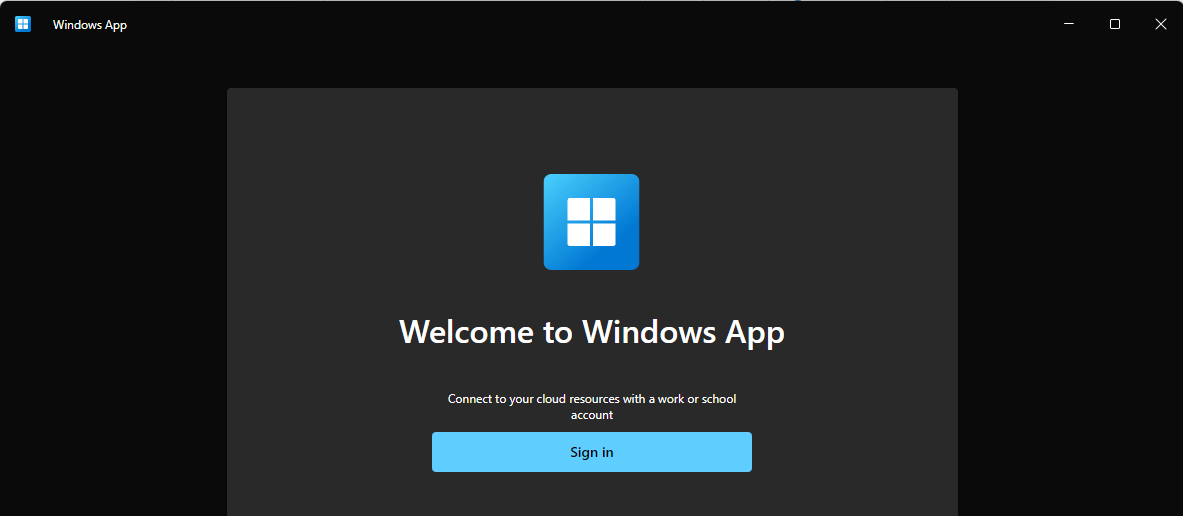
| 1 | Run the Windows App Client and click on "Sign in" |
| 2 | Enter your credentials (email address & password) and provide multifactor authentication |
| 3 | Connect to your virtual desktop |
Linux (AWS Workspaces)
| Access type | URL | Registration Code |
|---|---|---|
| Client | Coming soon | Coming soon |